
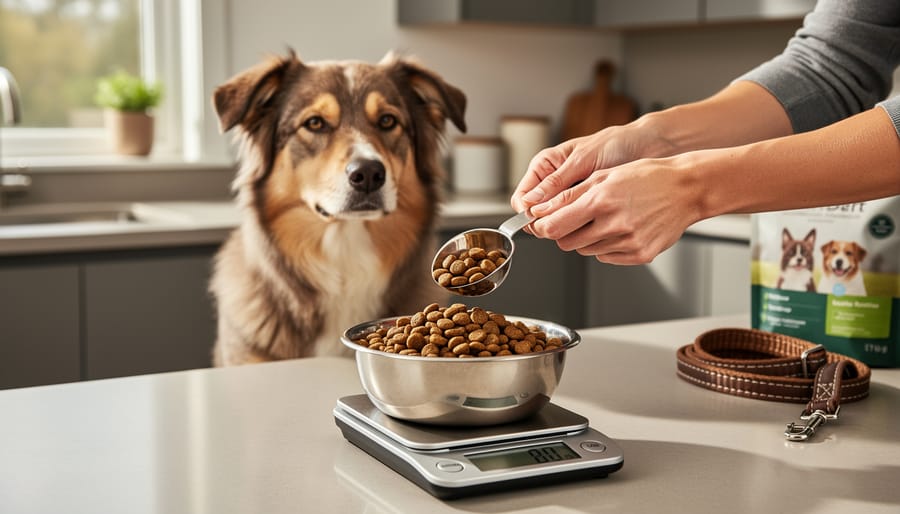
The Pet Nutrition Alliance calorie calculator takes about five minutes to use and gives you a personalized feeding plan based on your dog’s weight, body condition, and activity level. You’ll enter straightforward information like whether your pet is spayed or neutered, their current calorie intake (if you know it), and details about their new food, and the tool generates portion recommendations tailored to your dog’s needs.
Getting your dog’s portions right matters more than many Ottawa pet owners realize. Overfeeding by just a few kibbles per meal can lead to gradual weight gain, while underfeeding may leave your pet hungry and lacking energy. Unlike generic feeding charts on dog food bags, which often overestimate portions, this calculator accounts for individual factors that affect metabolism and energy needs.
Developed by veterinary nutrition experts, the Pet Nutrition Alliance calculator bridges the gap between one-size-fits-all feeding guides and expensive nutritional consultations. The tool considers variables that standard charts ignore: your dog’s body condition score (a measure of whether they’re underweight, ideal, or overweight), their spay or neuter status, and even an optional treat allotment so you don’t accidentally exceed daily calorie targets when rewarding good behavior. The result is a science-backed feeding plan you can implement immediately at home.
What You’ll Need Before You Start
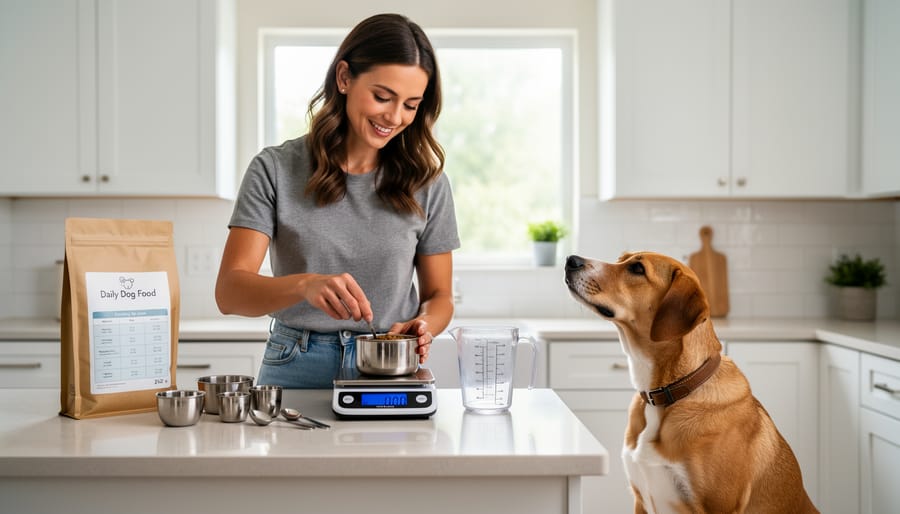
Before you dive into the Pet Nutrition Alliance Calorie Calculator, gather a few key pieces of information about your dog. Having everything ready saves time and ensures you get the most accurate feeding recommendations for your pet’s specific needs.
Here’s what you’ll need:
- Your dog’s current weight in pounds or kilograms
- An assessment of your dog’s body condition score
- Whether your dog is spayed/neutered or intact
- The brand and type of food your dog currently eats
- Calorie information for your dog’s new food
- How many calories your dog currently consumes per day (if you know it)
- Your preference on including a treat allotment
The most important item on this list is your dog’s accurate weight. Weigh your dog at home if you have a reliable scale, or stop by your Ottawa veterinary clinic for a quick weigh-in. Most vet offices are happy to let you use their scale without an appointment.
For the body condition score, you’ll assess whether your dog is underweight, ideal, or overweight by feeling their ribs and looking at their shape from above. The next section explains this process in detail, so don’t worry if you’re not familiar with it yet.
You’ll find calorie information on your dog food packaging, typically listed as kcal/cup or kcal/kg. If you’re switching foods, grab both bags so you can enter the new food’s calorie content into the calculator. If you don’t know how many calories your dog currently eats, that’s fine, the calculator lets you leave that field blank.
Understanding Body Condition Scores
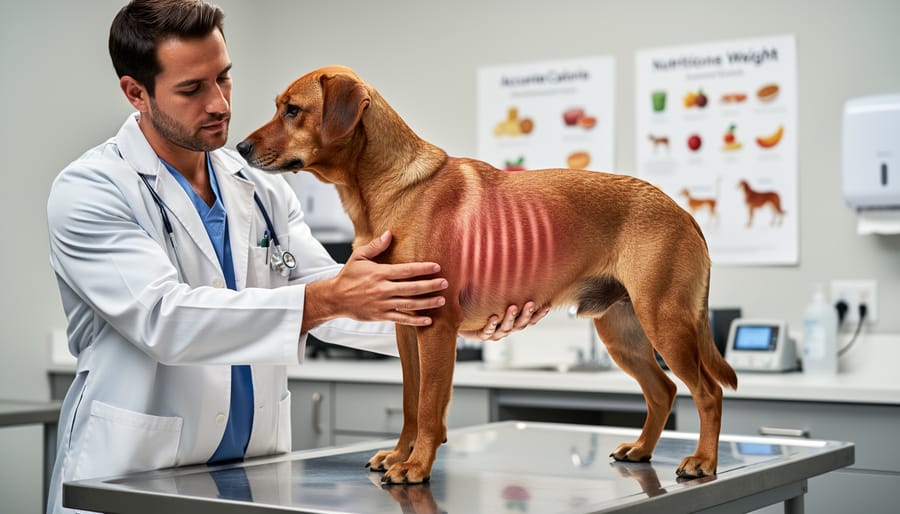
Your dog’s body condition score is a visual and hands-on assessment of their weight status, essentially asking: are they underweight, ideal, or overweight? The Pet Nutrition Alliance calculator uses this score to adjust calorie recommendations appropriately, a dog carrying extra pounds needs fewer calories to reach a healthy weight, while an underweight dog needs more. Getting this assessment right matters because it directly influences how much food the calculator tells you to feed.
The most common system uses a 9-point scale, though some vets use a 5-point version. On the 9-point scale, a score of 1 means severely underweight (ribs, spine, and hip bones prominently visible with no body fat), while 9 means severely overweight (massive fat deposits and no visible waistline). Most healthy dogs should score around 4 or 5, you can feel their ribs easily without pressing hard, they have a visible waist when viewed from above, and their belly tucks up when seen from the side.
To assess your dog at home, run your hands along their ribcage with gentle pressure. If you can feel each rib individually without pushing, that’s a good sign. Next, look down at your dog from above while they’re standing, you should see an hourglass shape with a noticeable waist behind the ribs. Finally, check their profile from the side; a healthy dog’s belly rises from the chest toward the hind legs rather than hanging straight down or sagging.
Be honest in your assessment, as overestimating or underestimating by even one point can significantly affect the calculator’s feeding recommendation. Many owners misjudge their dog’s condition because they see them every day, making gradual weight gain less noticeable. When in doubt, err on the side of asking a professional rather than guessing.
Important Things to Know Before Calculating
Before you enter your dog’s details into the calculator, there are a few important considerations to keep in mind. While this tool provides science-based estimates, every dog is unique, and some situations require professional guidance before adjusting portions.
Growing puppies have different nutritional needs that change rapidly as they develop. Senior dogs may have shifting metabolic rates or underlying health issues that affect their calorie requirements. Dogs with conditions like diabetes, kidney disease, thyroid problems, or joint issues need tailored nutrition plans that a calculator alone cannot provide. Similarly, significant weight loss should happen under veterinary supervision to ensure your dog stays healthy throughout the process.
The calculator’s results represent starting estimates, not rigid rules. You’ll need to monitor your dog’s body condition and adjust portions based on how they respond. Some dogs have faster metabolisms, while others are more sedentary than average. Environmental factors matter too, Ottawa’s cold winters might increase calorie needs for active outdoor dogs, while less active periods could require slight reductions.
When you do implement new portions, transition gradually over seven to ten days. Mix increasing amounts of the new portion size with decreasing amounts of the old, giving your dog’s digestive system time to adjust. Sudden changes can cause stomach upset, even when the food itself stays the same.
Step-by-Step: Using the Pet Nutrition Alliance Calorie Calculator
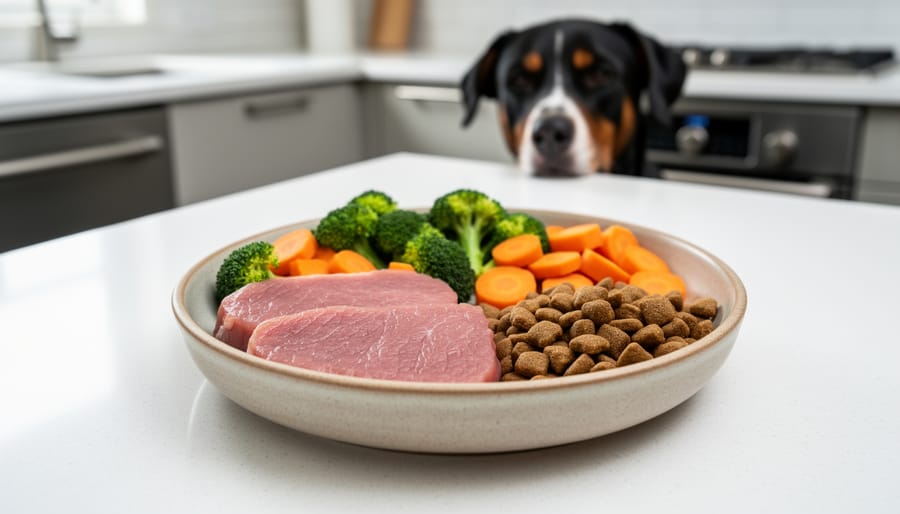
Entering Your Dog’s Basic Information
Once you’ve gathered your dog’s information and opened this calorie calculator guide you’ll start by entering three key pieces of basic information that form the foundation of your feeding calculation.
First, enter your dog’s weight. Use a reliable scale for accuracy rather than estimating. If you don’t have a scale at home, most veterinary clinics in Ottawa will weigh your dog for free during walk-in hours. The calculator accepts weight in pounds or kilograms, so choose whichever measurement you’re comfortable with.
Next, select your dog’s body condition score from the dropdown menu. This is the assessment you completed in the previous section. The calculator typically offers a range from underweight to overweight categories. Be honest here, the accuracy of your final feeding recommendations depends on selecting the score that truly matches your dog’s current body condition, not what you hope it to be.
Finally, indicate whether your dog is spayed or neutered, or remains intact. This matters because altered dogs typically have lower metabolic rates and need fewer calories than intact dogs of the same weight and activity level. Simply check the appropriate box.
Take your time with these entries. Double-check each field before moving forward, as these three inputs directly influence every subsequent calculation.
Adding Current and New Food Details
Locating the calorie content on your dog’s food packaging is straightforward once you know where to look. Check the guaranteed analysis panel or nutritional information section, most brands list kilocalories per cup, can, or kilogram. You’ll typically find this information on the back or side panel, often near the feeding guidelines. Some premium brands include a dedicated “calorie content” statement that might read something like “3,500 kcal/kg” or “375 kcal/cup.” If the packaging lists calories per kilogram but your dog eats cups, you’ll need to convert using the weight per cup (usually noted nearby). Keep your current food bag handy when using the calculator to ensure you’re entering the exact figure.
When the calculator asks how many calories your pet currently eats per day, don’t panic if you’re unsure, the tool includes an option to leave this field blank. If you’ve been following package feeding guidelines without measuring calories, you simply don’t know the exact number, and that’s perfectly fine. The calculator can generate recommendations without this information, though providing it (if known) helps the tool offer more personalized guidance, especially if you’re switching foods to address weight concerns.
For the new food’s calorie content, locate the same information on your intended food’s packaging before you start the calculator. Write down the specific number and the unit (calories per cup or per kilogram) so you can enter it accurately. If you’re considering multiple food options, you might run the calculator separately for each to compare portion sizes. Having both your current and new food bags available during the process ensures you’re working with precise figures rather than estimates, which leads to more accurate feeding recommendations for your Ottawa dog.
Including Treats in Your Calculation
Treats are a wonderful part of your dog’s daily routine, they strengthen your bond during training, provide mental stimulation, and make life a bit more fun. But those small rewards add up quickly, and without accounting for them, you could be overfeeding by hundreds of calories each week without realizing it.
The Pet Nutrition Alliance calculator asks whether you’d like to include a treat allotment for this exact reason. If you answer yes, it automatically reserves a portion of your dog’s total daily calories specifically for treats, typically around 10%, and adjusts their meal portions accordingly. This means your dog can still enjoy their favourite snacks without exceeding their daily calorie target.
Here’s why this matters: if your dog’s recommended daily intake is 600 calories and you give 100 calories worth of treats each day, those treats represent over 16% of their diet. Without the treat adjustment, you’d be feeding full meal portions plus those extras, potentially leading to gradual weight gain. The calculator prevents this by reducing the meal calories to compensate.
When you check the treat box, the calculator includes current calories for treats in your customized report, showing you exactly how much to feed at mealtimes while leaving room for training rewards, dental chews, or the occasional nibble of carrot. If you don’t typically give treats, simply select no, the calculator will allocate all calories to meals instead.
Making Sense of Your Results and Next Steps
Once the calculator generates your customized feeding report, take a moment to verify the recommendations make sense. Compare the suggested daily amount to the feeding guidelines on your current dog food package, the calculator’s recommendation typically falls within or near these ranges, adjusted for your dog’s specific needs. If the result seems dramatically different (off by more than 25-30%), double-check that you entered your dog’s weight and body condition score correctly.
Save or print your feeding report for easy reference at mealtime. The report shows total daily calories and breaks them down by meals and treats, making it simple to measure portions accurately. Keep this handy near your dog’s food storage area so everyone in your household feeds consistent amounts.
Implement the new portions gradually. If you’re significantly reducing food, cut back by about 25% each week to avoid leaving your dog feeling hungry and restless. If increasing portions, add slowly to prevent digestive upset. Divide the total daily amount into two or three meals rather than feeding once daily, this helps maintain steady energy and reduces begging between meals.
Track your dog’s progress over the next month to six weeks. Weigh your dog weekly at the same time of day (morning works well) and reassess body condition score every two weeks. You’re looking for gradual movement toward your target score, a healthy rate is losing or gaining no more than 1-2% of body weight per week. Keep notes on energy levels, coat quality, and appetite alongside the numbers.
Adjust activity as needed. More walking for exercise or play with food-dispensing toys can help if weight loss stalls, while less active dogs may need slight portion reductions.
Recalculate if your dog’s weight changes by more than 5%, if you switch foods, or if you reassess body condition score and find it’s shifted. The calculator works best when you revisit it regularly rather than treating it as a one-time calculation. Most Ottawa dog owners find checking in every 8-12 weeks keeps their pet on track.
Common Questions About the Calorie Calculator
Even when following all the instructions correctly, dog owners often have questions about how to get the most from this tool. Here are answers to the most common questions about using the Pet Nutrition Alliance Calorie Calculator.
How accurate is the Pet Nutrition Alliance Calorie Calculator?
The calculator provides science-based estimates developed by veterinary nutritionists, but individual dogs may need 10-20% more or less than the calculated amount depending on their metabolism, activity level, and health status. Monitor your dog’s weight and body condition over 4-6 weeks and adjust portions accordingly.
How often should I recalculate my dog’s calorie needs?
Recalculate whenever your dog’s weight changes by 5% or more, when you switch foods, if their activity level changes significantly, or if their body condition score shifts. Most dogs benefit from recalculation every 3-6 months.
What if the calculator’s results differ from my dog food package recommendations?
Package feeding guides provide broad ranges that may not suit your specific dog’s needs, body condition, or spay/neuter status. The Pet Nutrition Alliance calculator personalizes the recommendation based on your dog’s actual condition and metabolic needs, making it more precise than one-size-fits-all package guidelines.
Where do I find the calorie information for my dog’s food?
Check the back or side panel of your dog food bag for “calorie content” or “metabolizable energy,” usually listed as kcal per cup or per kilogram. If it’s not on the package, check the manufacturer’s website or contact their customer service line.
The calculator works for adult dogs at all activity levels, from couch companions to dogs who frequent Ottawa dog-friendly spots like hiking trails and off-leash parks. If your results seem unusually high or low compared to what you expected, double-check that you entered your dog’s weight and the food’s calorie content in the correct units. The calculator is designed for maintenance feeding in healthy adult dogs, so always consult your vet before using it for puppies, pregnant or nursing dogs, or pets with medical conditions affecting metabolism.
The Pet Nutrition Alliance Calorie Calculator gives you the power to feed your dog with confidence instead of guesswork. This free, science-backed tool translates your pet’s unique characteristics into precise portions, helping you maintain their ideal weight and overall health. For Ottawa dog owners, it’s a practical resource that complements the quality nutrition available at local pet stores and the expert guidance from your veterinarian.
Remember that the calculator is one piece of your dog’s complete care picture. Use it alongside regular vet checkups to monitor your dog’s condition and adjust as needed. Your dog’s weight, energy level, and body condition will tell you whether the portions are working. By combining this precise feeding approach with quality food and professional advice, you’re setting your dog up for a longer, healthier life. The few minutes it takes to use the calculator today can make a real difference in your pet’s wellbeing for years to come.